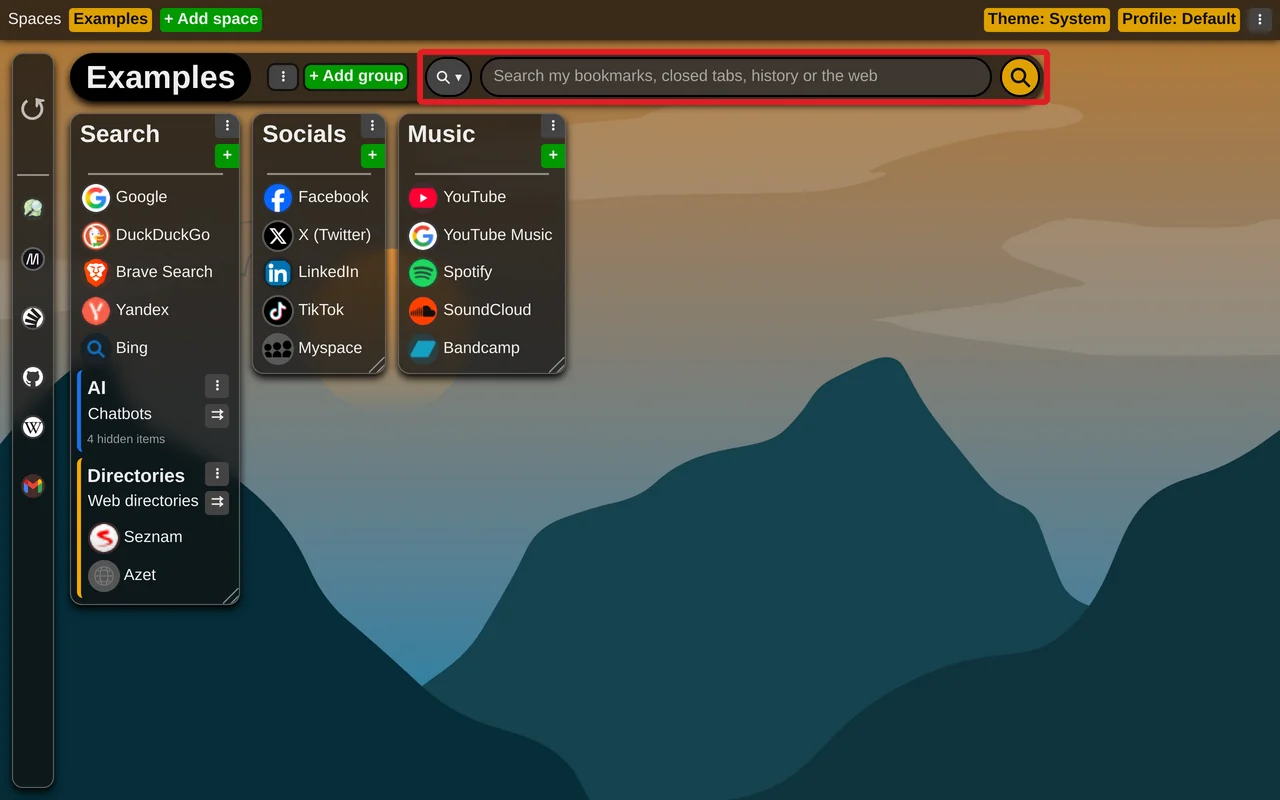
Search using searchbar
Start typing and the search bar first suggests what you already have, before anything goes to the web:
- your saved links, from every space of the profile - matched by their title and address, and also by the group and space they are kept in, so typing a group's or a space's name lists its links,
- the tabs open in this browser,
- your closed tabs and history,
- and last, search the web for what you typed.
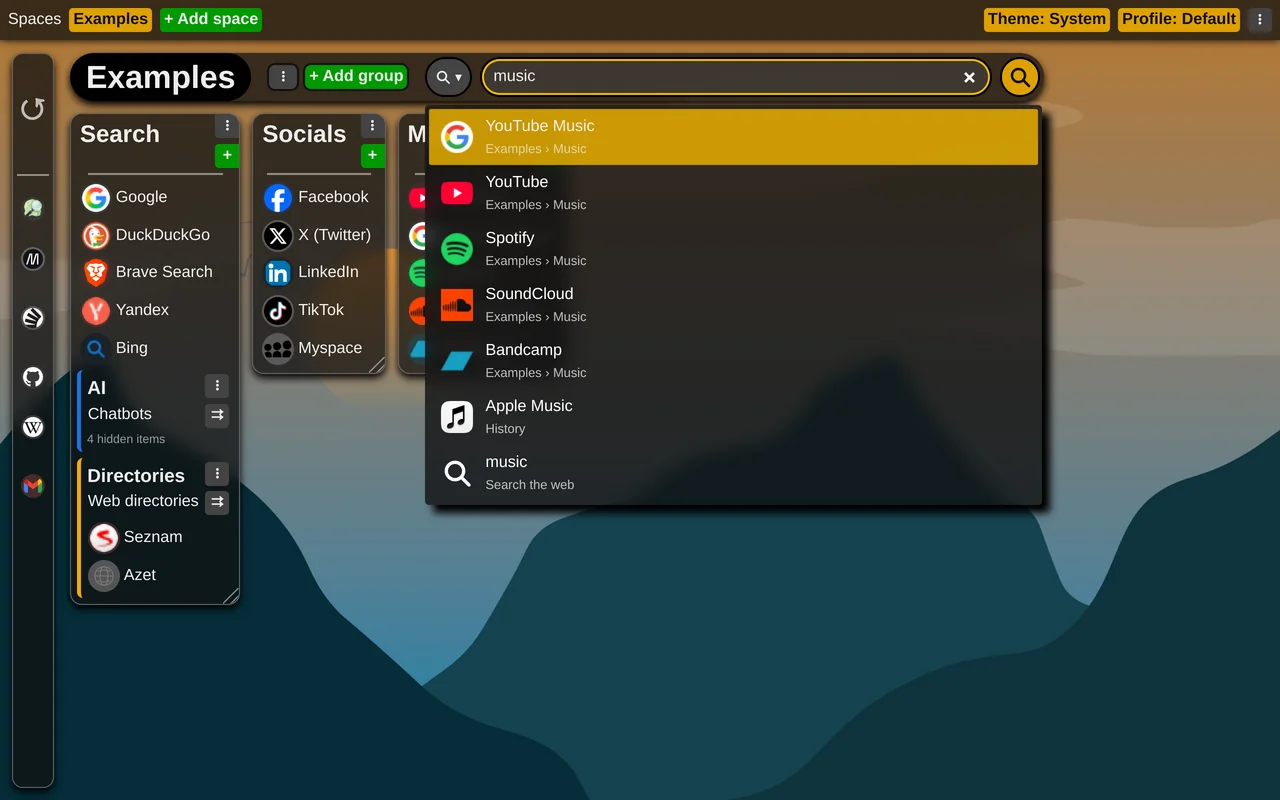
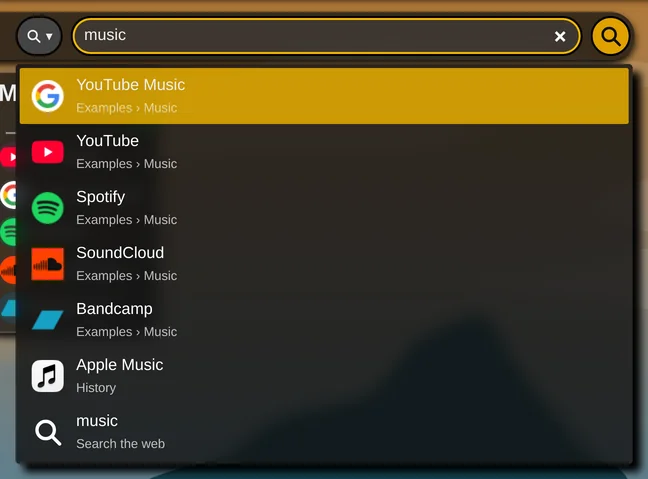
Your own links come first, and a title starting with what you typed beats one that only contains it. Use the arrow keys to move through the list; Enter opens the highlighted entry - the first one unless you move. A saved link, a closed tab or a page from the history opens in this tab; an open tab is switched to.
For the web search, the search bar uses your browser's own search engine by default.

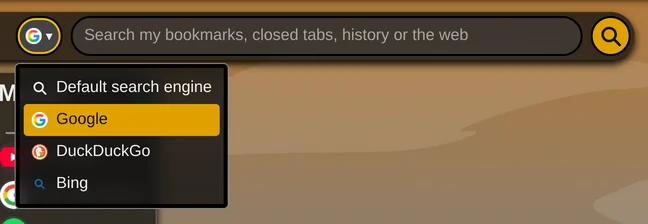
If you want to use another supported search engine (Google, DuckDuckGo or Bing), just choose one from the dropdown next to the search bar.
This setting is not synchronized; it is remembered only in the browser where you set it.