Change background
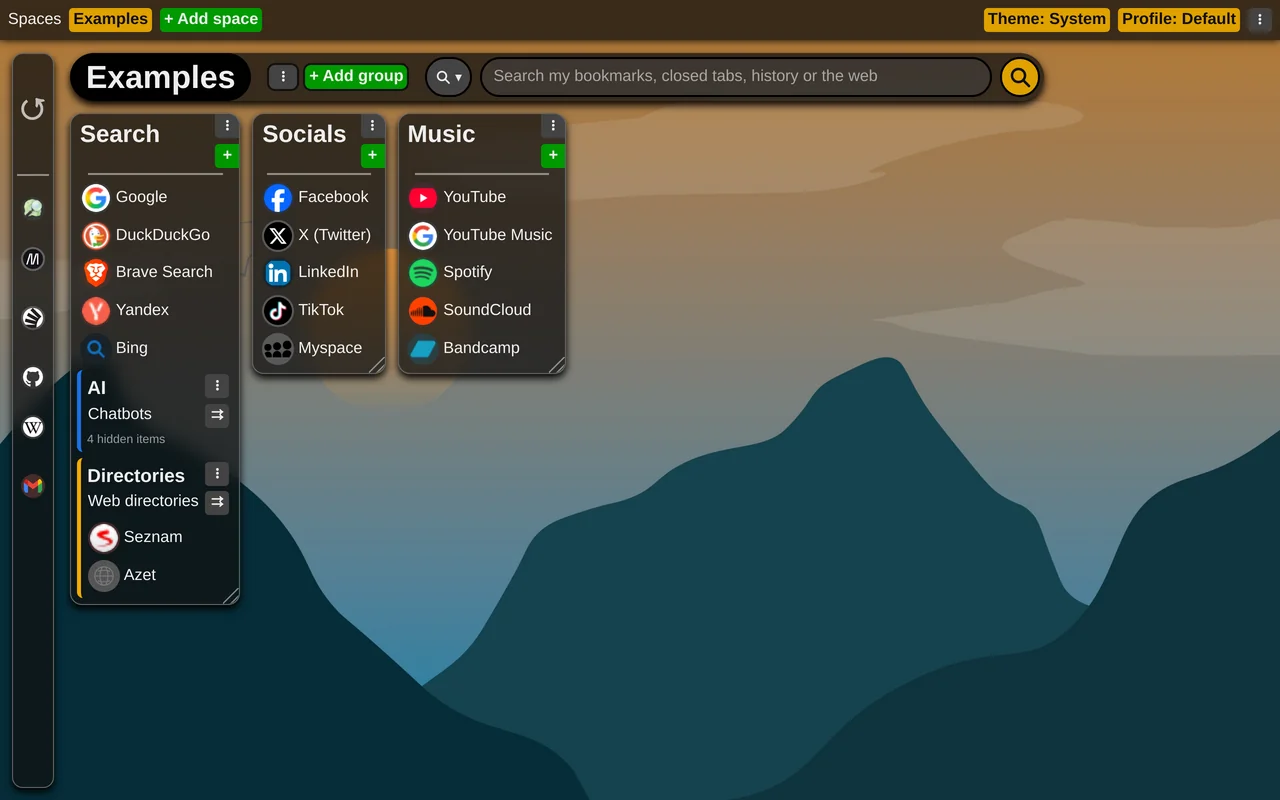
You can put a picture behind your new tab - in the free version as well as in premium.
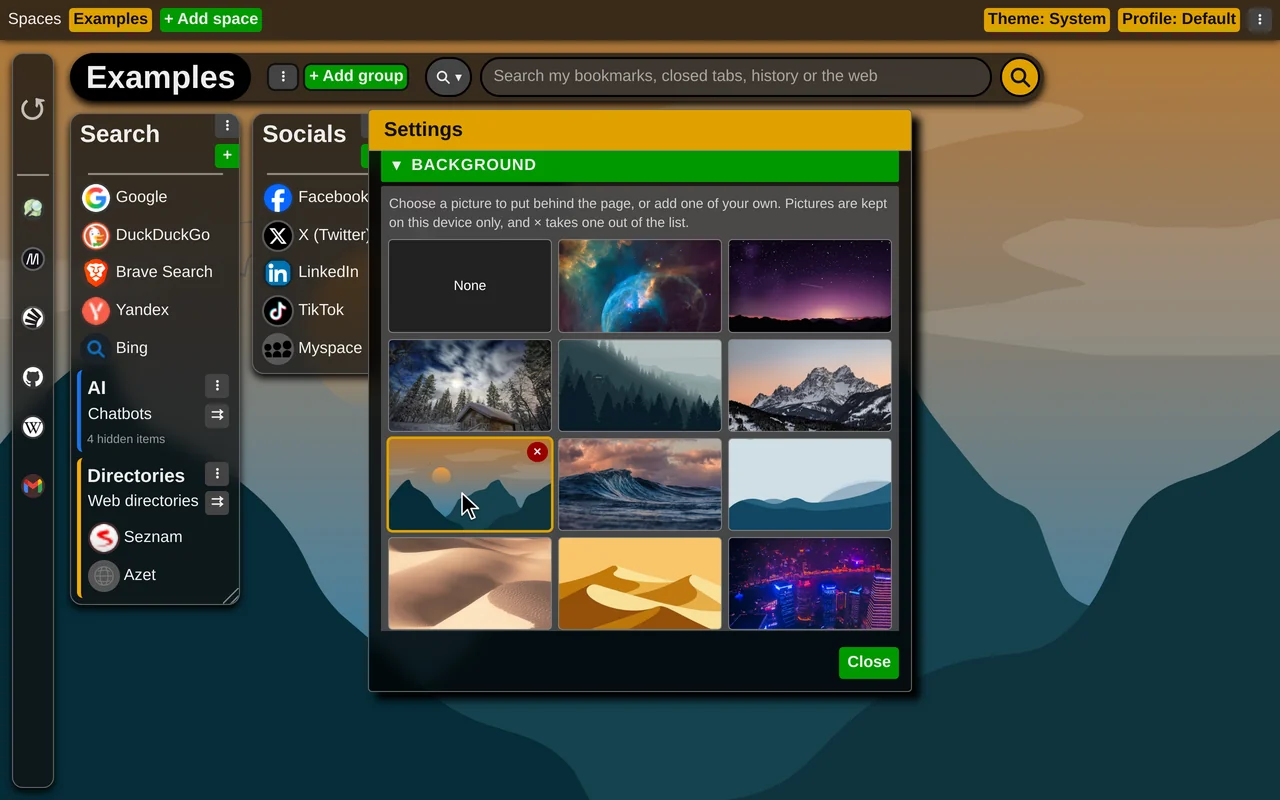
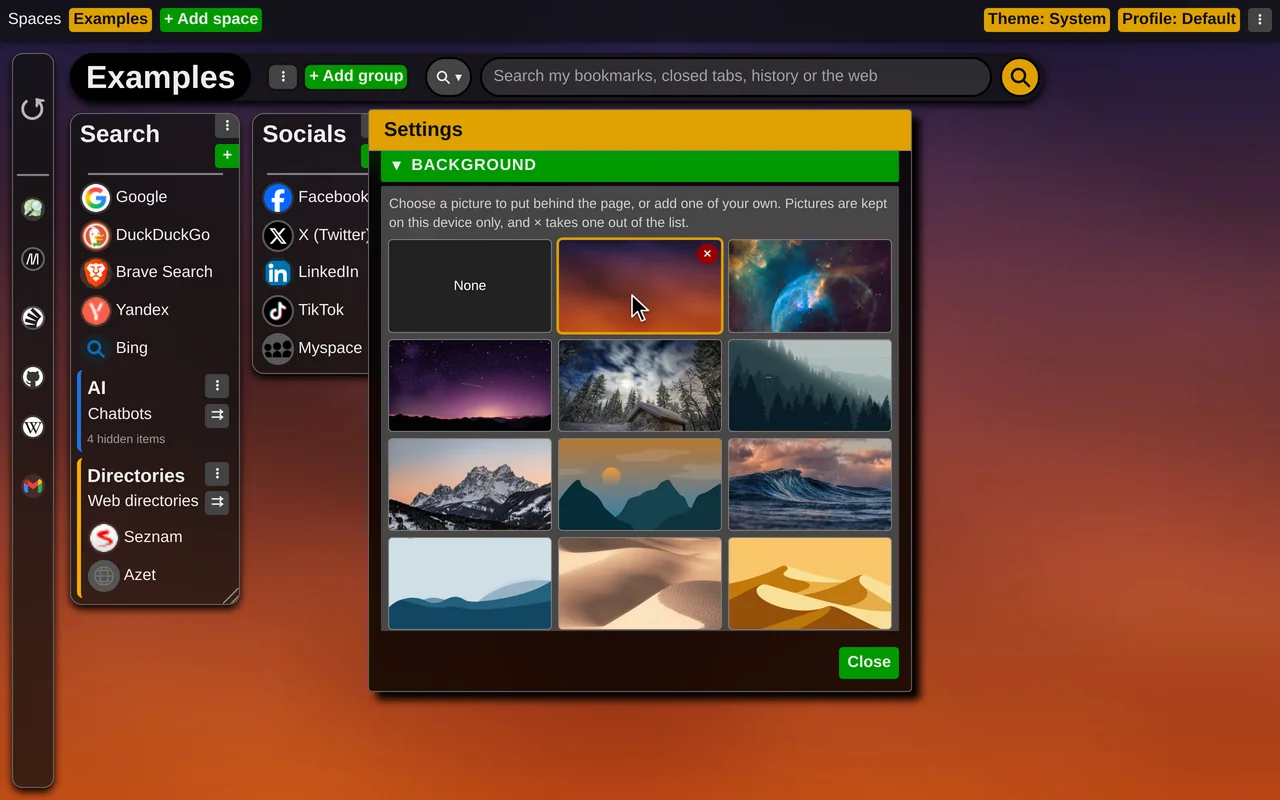
Open the extension settings and choose the "Background" section. It is a library of pictures: sixteen built-in ones, and any you add yourself with "+". Click a picture to use it; a built-in one is downloaded in full quality the first time you choose it. A picture you no longer want can be removed from the library.
The pictures are kept only on the device where you added them and are not synchronized to your other devices.
In the Aero theme style - the default - groups, panels and menus are partly transparent and blur the picture behind them. Prefer solid surfaces? Switch "Theme style" to Flat under "UI and behavior".