Choose your accent colour
The accent colour is the one that says "this is active" - it colours active and highlighted buttons, the chosen tab and the field you are typing in. It is amber - Tabilinks' own colour - unless you pick another.
Choose it in Settings → "UI and behavior" → "Accent colour", from seven swatches:
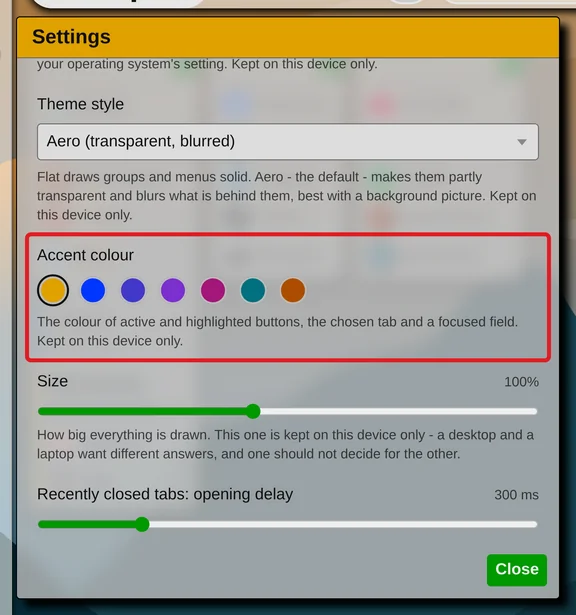
- Amber - the default, drawn with dark text on it, so it stays readable
- Blue
- Indigo
- Violet
- Magenta
- Teal
- Orange
The change applies straight away.


Like the theme, the accent colour is not synchronized; it is remembered only in the browser where you set it. To choose between light and dark, flat and glass: Choose a light or dark theme